Hooks and filters are one of the most practical ways to build extensible software in modern development. They let teams inject behavior, transform data, and customize workflows without rewriting core logic, which is why they remain essential in plugin systems, middleware layers, automation pipelines, and modular applications in 2026.
For developers, the real value is not just “how hooks work,” but how to design hook and filter workflows that stay maintainable as systems grow. A good hook architecture makes software easier to extend, safer to update, and faster to adapt to new business needs.
How WordPress Hooks and Filters Work
Hooks are extension points where code can respond to an event, action, or lifecycle step. Filters are extension points that modify data before it continues through a workflow. Together, they form a flexible pattern for event-driven programming hooks and plugin hook architecture.
Use up and down arrow keys to resize the meta box pane.
In simple terms:
- A hook says: “Something happened here.”
- A filter says: “Here is data; transform it before passing it on.”
This pattern is common in WordPress, but the idea applies broadly to SaaS platforms, internal toolchains, API orchestration, and modular programming systems. If your product has integrations, plugins, or customizable workflows, hook-based design can reduce coupling and improve long-term maintainability. For related implementation guidance, teams often centralize patterns in a /developer-guide or /architecture-patterns section.
Understanding WordPress Hooks in Developer Workflows
At the beginner level, hooks are best understood as notification points inside a system. A hook allows external code to run when a specific event occurs, such as user registration, order completion, form submission, or cache refresh.
A simple hook workflow looks like this:
- The core system reaches a lifecycle event.
- It triggers a hook.
- Registered functions execute.
- The system continues.
Action Hook Example
jsfunction onUserCreated(callback) {
  const user = { id: 101, name: "Asha" };
  callback(user);
}

onUserCreated((user) => {
  console.log("New user created:", user.name);
});
This example is simple, but the architecture principle is powerful. The core function does not need to know what each callback does. That separation helps teams add features without changing the primary workflow.
Why hooks matter
Hooks are especially useful when building systems with many lifecycle events. In a plugin ecosystem, one module may need to run code after payment completion, while another may want to send analytics events. Hooks make this possible without turning the core codebase into a pile of conditional logic.
For readers exploring practical implementation patterns, a dedicated /workflow-automation resource can help connect these concepts to real business processes.
Intermediate WordPress Hook Workflows
Filters are different from hooks because they return modified data instead of simply responding to an event. They are the backbone of clean transformation pipelines and are often used for sanitization, formatting, validation, and business-rule adjustments.
A basic filter workflow works like this:
- The system prepares data.
- It passes the data into a filter.
- One or more functions modify the data.
- The transformed data continues through the system.
Filter Hook Example
jsfunction applyFilter(value, callback) {
  return callback(value);
}

const title = applyFilter("hello world", (text) => text.toUpperCase());
console.log(title);
In a real application, filters can be chained. This is important for modular programming because each transformation can stay focused on a single responsibility. Instead of one giant function handling everything, you can split logic into small, testable units.
Filter function best practices
Good filter design usually follows a few rules:
- Return a value consistently.
- Keep transformations predictable.
- Avoid hidden side effects.
- Validate input before modifying it.
- Make the order of execution explicit.
These practices become more important in advanced systems where multiple plugins, modules, or services may all modify the same data. A clear API design section in /api-docs can help teams document those rules for developers and partners.
WordPress Hooks vs Filters
Hooks and filters are related, but they solve different problems. Hooks are about execution; filters are about transformation. If you mix them up, your architecture becomes harder to reason about.
| Aspect | Hooks | Filters |
|---|---|---|
| Main purpose | Trigger behavior | Modify data |
| Output requirement | Usually none | Must return transformed value |
| Common use | Events, lifecycle steps, notifications | Formatting, validation, mutation |
| Developer mental model | “Run something here” | “Change this value here” |
| Risk if overused | Too many side effects | Too much chained transformation |
WordPress Hook Examples for Beginners
A hook might run when a user signs up and send an email, log an event, or sync analytics.
A filter might take the user’s display name and format it before saving or rendering it.
This distinction is central to any developer hooks and filters guide because it helps teams choose the right extension point for the job. In API-heavy systems, the same logic often appears as API hooks vs filters depending on whether the extension point is event-driven or data-driven.
Beginner Workflow Examples
Beginners usually need the simplest possible structure. Start with one hook for actions and one filter for data changes.
Example 1: Logging an event
phpdo_action('user_registered', $user_id);
phpadd_action('user_registered', function($user_id) {
  error_log("User registered: " . $user_id);
});
Example 2: Formatting content
php$content = apply_filters('post_title', $title);
phpadd_filter('post_title', function($title) {
  return trim(strtoupper($title));
});
These examples show the core pattern behind beginner to advanced hooks tutorial content: first observe the event model, then transform the data model, and only then move into system-wide architecture.
Intermediate Workflow Patterns
At the intermediate level, developers stop thinking about one hook at a time and start thinking in modules. This is where workflow automation in development becomes useful.
Modular architecture usage
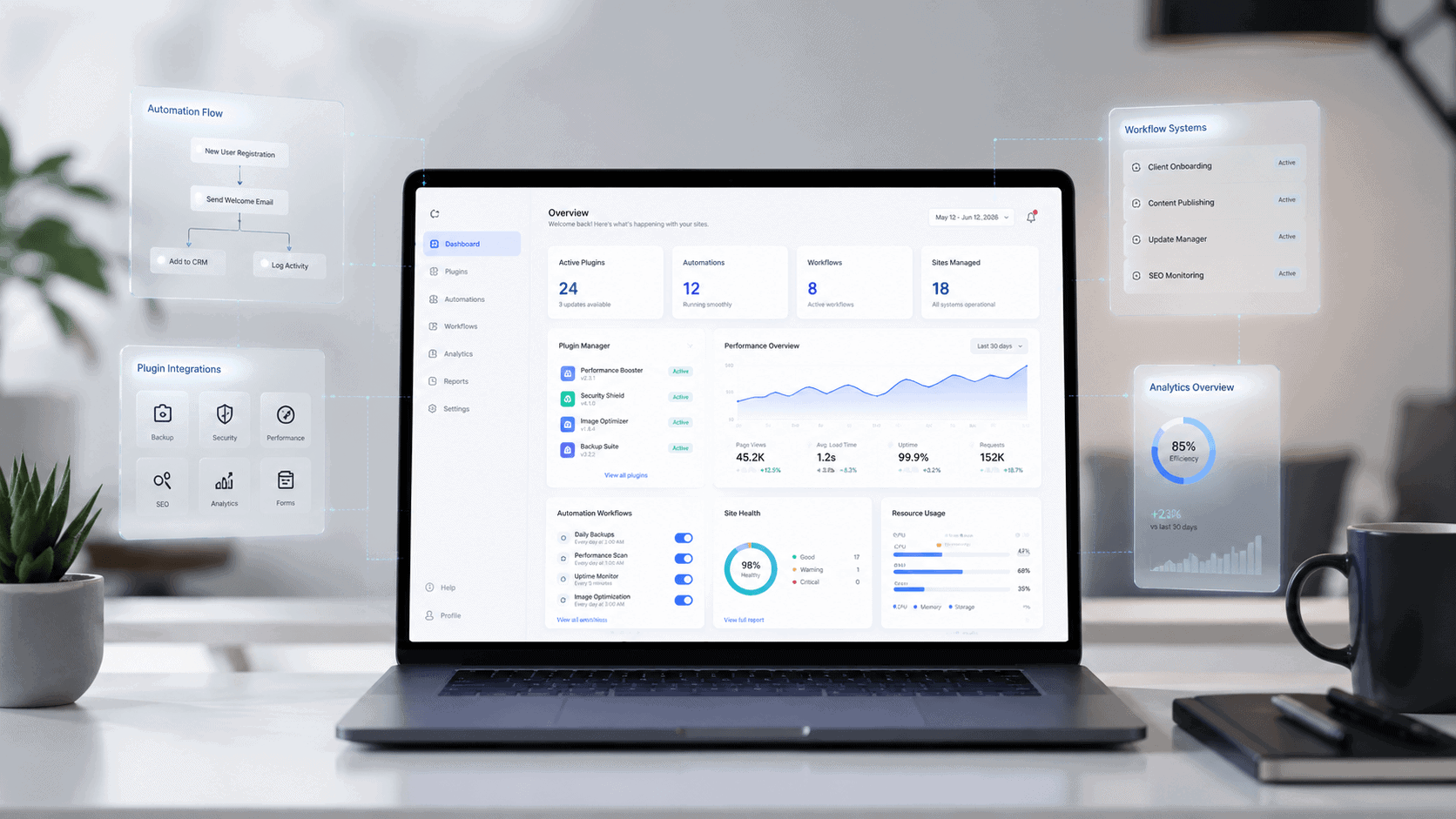
A modular system often separates responsibilities like this:
- Event layer: captures lifecycle changes.
- Transformation layer: filters and normalizes values.
- Integration layer: sends data to external services.
- Orchestration layer: coordinates the full workflow.
This structure is common in plugin systems and middleware systems because each module can listen to the same hook without knowing how the others work. That makes feature delivery faster and reduces merge conflicts across teams.
Example: multi-step workflow
- Order is created.
- Hook triggers invoice generation.
- Filter adjusts tax rules.
- Hook sends CRM event.
- Filter normalizes payload for analytics.
- Final workflow completes.
This pattern is especially useful in SaaS platforms where product logic, reporting, integrations, and notifications all need to react to the same business event. It also maps well to modern developer workflow automation 2026 because AI-assisted tools increasingly depend on clean event boundaries and predictable data contracts.
Advanced WordPress Hook Architecture
Advanced systems are not just about more hooks. They are about better control, observability, and scalability. If a platform exposes too many unstructured extension points, teams quickly lose confidence in the system.
Design principles for scale
- Keep hooks named clearly and consistently.
- Separate synchronous and asynchronous events.
- Document input and output expectations.
- Limit mutable shared state.
- Define execution order where needed.
- Log hook failures independently.
- Make filters composable and deterministic.
Architecture pattern example
A scalable hook system often resembles this flow:
textCore Event -> Pre-filters -> Hooks -> Post-filters -> Output
This pattern is useful when building plugin hook architecture for products that may host third-party extensions. It allows the core application to stay stable while still giving extension authors a reliable surface area.
Advanced system considerations
In larger systems, hooks can become part of an event-driven architecture. That means developers must think about latency, retries, failure isolation, and monitoring. A hook that runs too long can delay the main request, and a filter that behaves unpredictably can corrupt downstream data.
For architecture-level discussion, /architecture-patterns is a natural place to explain how hooks relate to service boundaries, middleware, and extension contracts.
Real-World Uses of WordPress Hooks
Hooks and filters are not just a WordPress concept. They show up anywhere extensibility matters.
Plugin Development
In plugin systems, hooks allow third-party modules to register behavior without editing core files. Filters allow plugins to alter data before output or storage. This is why hook-based systems are so effective for marketplaces and CMS platforms.
SaaS Applications
SaaS products use hooks to react to events like account creation, billing changes, role updates, and workflow completion. Filters help normalize data across integrations, especially when different customers use different naming conventions, tax rules, or metadata requirements.
Automation Workflows
Automation pipelines benefit from hook-based design because each step can be isolated. One hook can trigger enrichment, another can trigger routing, and a filter can clean or transform payloads before the next system receives them.
Internal Developer Tools
Internal tools often need small customization points for teams that work at different speeds. Hooks let product teams add logic without waiting for a core platform release, while filters give DevOps and data teams a safer way to transform output.
Performance and Best Practices
Hook systems are powerful, but they can become expensive if misused. The key is to preserve flexibility without creating invisible complexity.
Best practices
- Keep hook handlers small and focused.
- Avoid deep chains of filters when one transformation is enough.
- Cache expensive operations outside the hook callback.
- Make side effects explicit and traceable.
- Use naming conventions that reflect event timing.
- Test each hook path independently.
- Prefer pure functions for filters when possible.
Performance risks
- Too many listeners on a hot path.
- Synchronous hooks that call external services.
- Repeated transformations on the same data.
- Hidden dependencies between plugin modules.
- Unclear execution order causing rework or bugs.
A strong filter function best practices guide should emphasize deterministic behavior, input validation, and low overhead. That matters even more in 2026, when AI-assisted systems and real-time workflows often depend on clean and predictable program flow.
Common Mistakes Developers Make
Many hook systems fail not because hooks are bad, but because the implementation is unclear.
Common WordPress Hook Mistakes
- Using hooks for business logic that should live in core services.
- Mutating data in multiple filters without documenting the order.
- Naming hooks too generically.
- Allowing too much responsibility inside one callback.
- Failing to log errors from extension code.
- Mixing event triggers with data transformations in the same layer.
A simple rule helps: if the code should always happen, it probably belongs in core logic; if it might vary by context or extension, it belongs in a hook or filter.
Future of WordPress Hooks in 2026
Hook-based design is still relevant because software is becoming more modular, more integrated, and more agent-aware. As systems become more event-driven, hooks will continue to serve as reliable extension points for internal automation and third-party integrations.
In 2026, the strongest architectures are not the most rigid ones. They are the ones that give teams enough structure to scale, but enough flexibility to evolve. That is why hooks and filters remain important in modern developer workflow automation 2026, especially when paired with middleware systems, plugin ecosystems, and integration-first product design.
AI tools also reward this style of architecture. Systems with clear event boundaries, explicit data transforms, and modular contracts are easier to summarize, easier to document, and easier to extend safely. That makes hooks and filters useful not only for code quality, but also for AI search optimization and long-term product discoverability.
Developer-focused Insight
The best hook and filter workflows are not the most clever ones. They are the ones that stay understandable after six months, survive team changes, and support new use cases without breaking old behavior.
If you are designing a system today, start with small, well-named extension points, document the data contract, and separate event handling from data transformation. That approach will scale better than adding ad hoc callbacks later. For teams building serious products, hooks should be treated as architecture, not convenience.
Frequently Asked Questions
What is the difference between a hook and a filter?
A hook triggers behavior when an event happens, while a filter changes data before it continues through the system.
When should developers use hooks?
Use hooks when you need extensibility around lifecycle events, notifications, integrations, or automation steps.
When should developers use filters?
Use filters when you need to sanitize, format, validate, or transform data in a predictable way.
Are hooks and filters only for WordPress?
No. The same design pattern appears in middleware systems, plugin architectures, SaaS workflows, and event-driven architecture.
What makes a hook system scalable?
Clear naming, documented contracts, predictable execution order, error handling, and separation between event handling and data transformation.
How do hooks help automation workflows?
They let systems react to events without tight coupling, which makes it easier to build reusable automation pipelines.
Conclusion
Hooks and filters remain one of the most durable patterns in software design because they solve a real problem: how to extend behavior without rewriting core systems. In 2026, the strongest hook and filter workflows are those that support modular programming, event-driven architecture, and predictable automation across plugins, APIs, and SaaS platforms.
For developers, the practical goal is simple: use hooks for events, filters for transformation, and keep both layers documented, testable, and easy to reason about. That is the foundation of a maintainable developer hooks and filters guide, and it is still one of the best ways to build extensible software that can grow with your product.