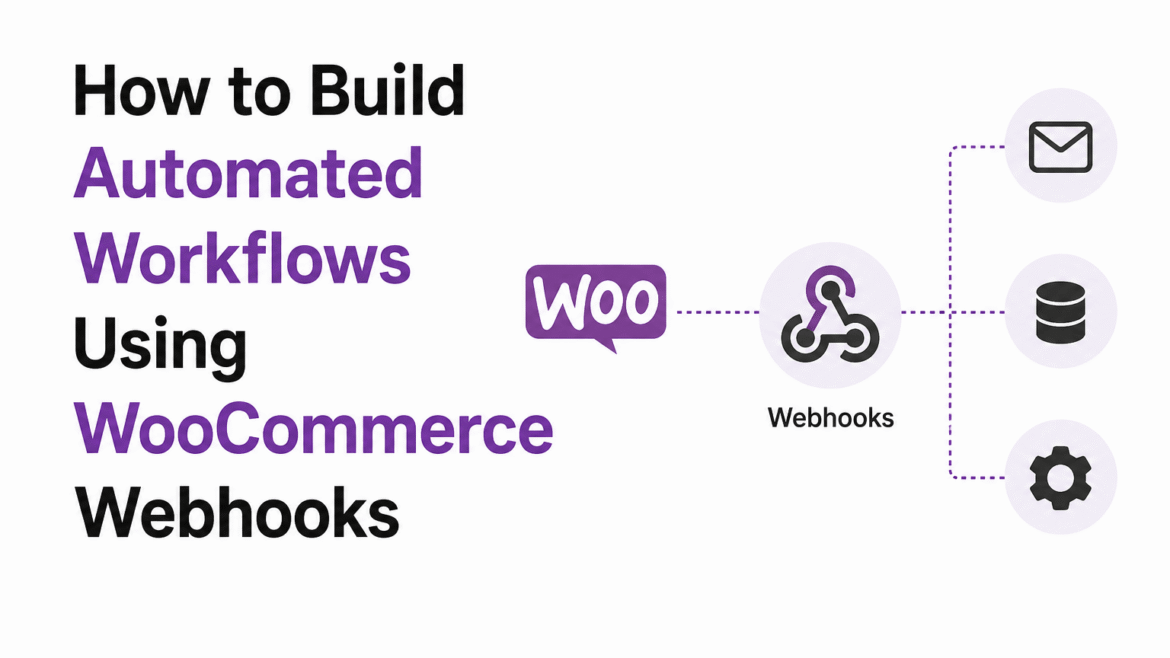
If you want to automate tasks in your WooCommerce store, webhooks can help you build powerful workflows without manual work.
Many WooCommerce store owners repeat the same tasks every day. Orders need updates, customer data needs syncing, and notifications must be sent manually.
In one real case, a store owner was manually sending customer data to another system after every order. This process was slow and created mistakes.
Manual WooCommerce workflows waste time and reduce productivity.
The better solution is using WooCommerce webhooks automation to automate tasks automatically.
With automation, WooCommerce can instantly send data to external systems whenever specific events happen.
What Are WooCommerce Webhooks?
WooCommerce webhooks allow your website to send real-time data automatically when certain actions happen.
For example:
➜ New order created
➜ Product updated
➜ Order status changed
➜ Customer account created
Instead of doing tasks manually, WooCommerce sends the data automatically.
Why WooCommerce Webhooks Automation is Important
Automation helps businesses save time and improve workflow.
➜ Reduce manual work
➜ Sync data automatically
➜ Improve productivity
➜ Reduce human errors
➜ Connect multiple systems together
Automation helps WooCommerce stores scale more efficiently.
How WooCommerce Webhooks Work
The process is simple:
➜ Customer performs an action
➜ WooCommerce triggers webhook
➜ Data is sent automatically
➜ External system receives data
This creates automated workflows between WooCommerce and other platforms.
Common WooCommerce Webhook Use Cases
Webhooks can automate many tasks.
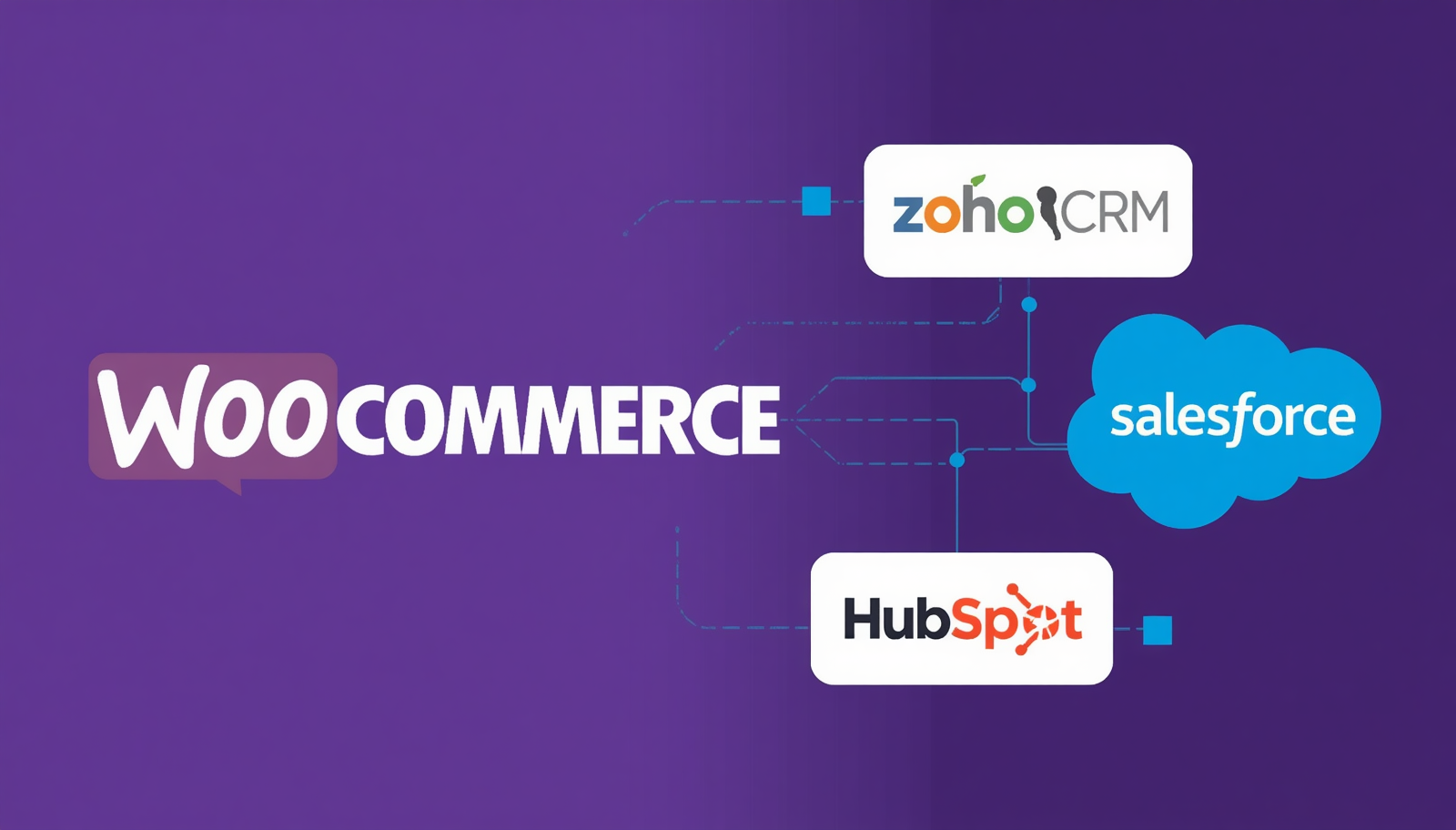
➜ Send order data to CRM
➜ Notify Slack channels
➜ Sync customer data
➜ Connect email marketing tools
➜ Trigger custom automation
This removes repetitive manual processes.
Step 1: Open WooCommerce Webhooks
Inside WordPress:
➜ Go to WooCommerce → Settings
➜ Open Advanced tab
➜ Click Webhooks
Here you can create new automation workflows.
Step 2: Create a New Webhook
Now create your webhook.
➜ Add webhook name
➜ Select event topic
➜ Add delivery URL
➜ Set webhook status to Active
The delivery URL is where WooCommerce will send the data.
Step 3: Connect External Systems
You can connect WooCommerce with different systems.
➜ CRM platforms
➜ Marketing tools
➜ Analytics systems
➜ Custom APIs
➜ Slack notifications
This helps build a complete automation workflow.
Benefits of WooCommerce Webhooks Automation
➜ Faster workflows
➜ Better automation
➜ Real-time data transfer
➜ Less manual work
➜ Improved business operations
Automation helps businesses focus on growth instead of repetitive tasks.
Advanced Automation Ideas
You can build more advanced workflows using webhooks.
➜ Auto customer segmentation
➜ Real-time reporting
➜ Order monitoring systems
➜ Custom notification systems
➜ Inventory automation
This creates smarter WooCommerce operations.
Why Automation Matters for WooCommerce Stores
As stores grow, manual work becomes difficult.
Automation helps:
➜ Save time
➜ Improve efficiency
➜ Scale operations
➜ Reduce workload
Smart automation improves WooCommerce business performance.
If you want more workflow automation tools, check our
WordPress plugins collection.
FAQs
What is WooCommerce webhook automation?
It is a system where WooCommerce automatically sends data when events happen.
Can webhooks connect external tools?
Yes, WooCommerce webhooks can connect APIs, CRM tools, Slack, and more.
Do I need coding knowledge?
Basic setup does not require advanced coding.
Are webhooks useful for automation?
Yes, they are very useful for reducing manual tasks.
Conclusion
WooCommerce webhooks automation helps store owners build faster and smarter workflows.
Instead of repeating manual tasks, you can automate data transfers and improve business operations.
Automation helps WooCommerce stores save time and grow faster.
Start using WooCommerce webhooks today and improve your workflow management.