If you’re developing custom WooCommerce functionality, creating reports, migrating products, or debugging store data, sooner or later you’ll need to access products directly from the database.
Many developers know that WooCommerce stores products as a custom post type, but finding the correct tables and queries can still be confusing.
Where Are WooCommerce Products Stored?
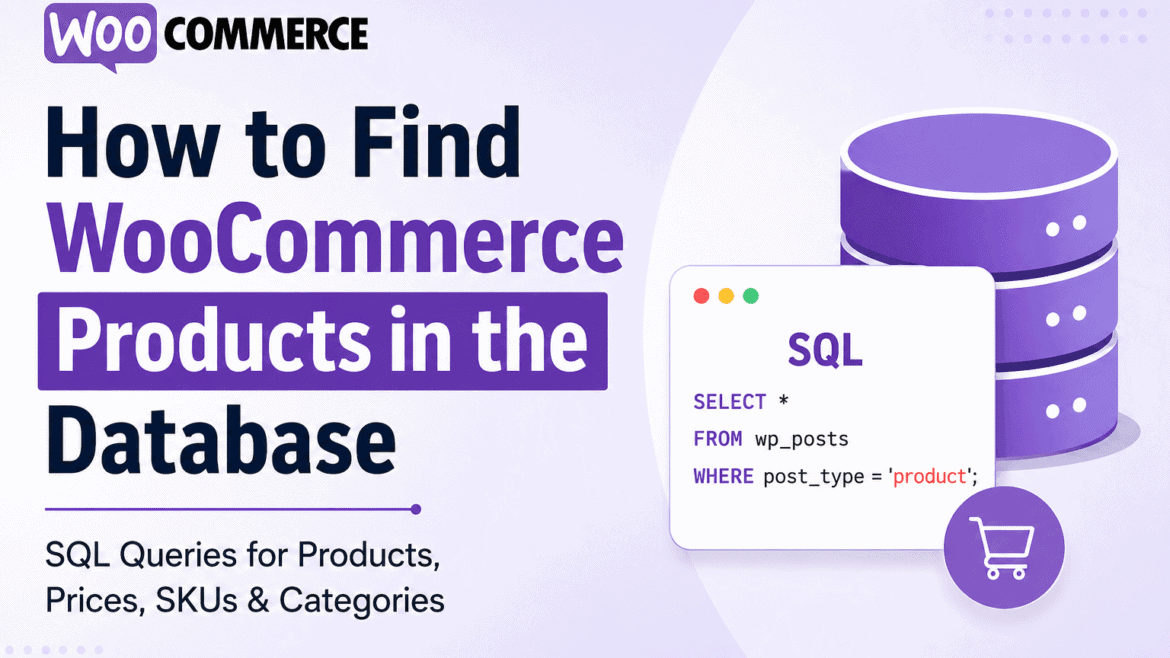
WooCommerce products are stored in the WordPress wp_posts table and use the custom post type product.
SELECT *
FROM wp_posts
WHERE post_type = 'product';
This query returns all WooCommerce products stored in your database.
Understanding WooCommerce Product Tables
- wp_posts — Product records
- wp_postmeta — Prices, SKUs, stock, attributes
- wp_terms — Categories and tags
- wp_term_relationships — Product-category relationships
- wc_product_meta_lookup — Optimized WooCommerce lookup table
Get All Published WooCommerce Products
SELECT ID, post_title
FROM wp_posts
WHERE post_type = 'product'
AND post_status = 'publish';
This query returns product IDs and product names for all published products.
Get Product Prices
WooCommerce stores pricing information inside the wp_postmeta table.
SELECT post_id, meta_value AS price
FROM wp_postmeta
WHERE meta_key = '_price';
Useful WooCommerce price meta keys include:
- _price
- _regular_price
- _sale_price
Get Product SKU Values
SELECT post_id, meta_value AS sku
FROM wp_postmeta
WHERE meta_key = '_sku';
This query retrieves SKU values for all WooCommerce products.
Get Product Stock Quantity
SELECT post_id, meta_value AS stock
FROM wp_postmeta
WHERE meta_key = '_stock';
You can also retrieve stock status values.
SELECT post_id, meta_value AS stock_status
FROM wp_postmeta
WHERE meta_key = '_stock_status';
Get Product Categories
WooCommerce categories are stored through WordPress taxonomy tables.
SELECT p.ID,
       p.post_title,
       t.name AS category
FROM wp_posts p
INNER JOIN wp_term_relationships tr
ON p.ID = tr.object_id
INNER JOIN wp_term_taxonomy tt
ON tr.term_taxonomy_id = tt.term_taxonomy_id
INNER JOIN wp_terms t
ON tt.term_id = t.term_id
WHERE p.post_type = 'product'
AND tt.taxonomy = 'product_cat';
Get Product Variations
WooCommerce variations use the product_variation post type.
SELECT *
FROM wp_posts
WHERE post_type = 'product_variation';
Find Variations for a Specific Product
SELECT *
FROM wp_posts
WHERE post_parent = 120
AND post_type = 'product_variation';
Replace 120 with your parent product ID.
Using WooCommerce Product Lookup Table
Modern WooCommerce versions include the optimized wc_product_meta_lookup table.
SELECT *
FROM wc_product_meta_lookup
LIMIT 20;
Get Products with Price and SKU Together
SELECT p.ID,
       p.post_title,
       sku.meta_value AS sku,
       price.meta_value AS price
FROM wp_posts p
LEFT JOIN wp_postmeta sku
ON p.ID = sku.post_id
AND sku.meta_key = '_sku'
LEFT JOIN wp_postmeta price
ON p.ID = price.post_id
AND price.meta_key = '_price'
WHERE p.post_type = 'product'
AND p.post_status = 'publish';
Frequently Asked Questions
Where are WooCommerce products stored?
WooCommerce products are stored in the wp_posts table as the product post type.
Which table stores WooCommerce product prices?
Prices are stored in wp_postmeta using keys such as _price, _regular_price, and _sale_price.