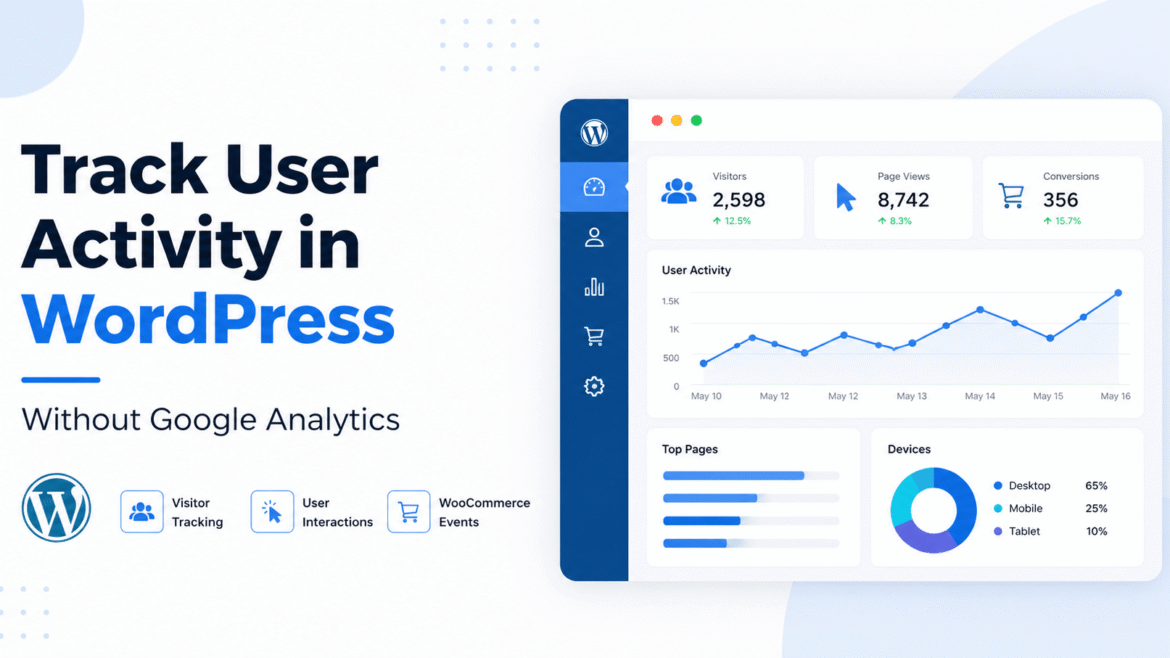
If you want to track user activity in WordPress without using Google Analytics, this guide will help you understand how to do it step by step.
Many website owners depend on Google Analytics to track visitors. But it is not always the best solution. It can be complex, slow to understand, and does not give full control over your data.
In one real case, a WooCommerce store owner wanted to track customer actions like product views, add to cart, and purchases. But Google Analytics was difficult to set up and did not show clear event-level data.
Google Analytics is powerful, but it is not always simple or flexible for WordPress users.
The better solution is to track user activity directly inside your WordPress website.
You can use a plugin like SprintPlan Visitor Analytics to track user interactions without relying on third-party tools.
Why Avoid Google Analytics?
- Complex setup process
- Hard to track custom events
- Data stored on external servers
- Privacy concerns (GDPR issues)
Many users want a simple and private way to track visitor data.
What is User Activity Tracking?
User activity tracking means recording what users do on your website.
- as Page visits
- Clicks
- Form actions
- WooCommerce events (add to cart, checkout, purchase)
This helps you understand how users interact with your website.
How This System Works
- Plugin tracks user actions
- Data is stored in WordPress database
- You analyze data inside your dashboard
1: Install the Plugin
- Go to Plugins → Add New
- Upload plugin files
- Activate plugin
To start quickly, you can use this visitor analytics plugin instead of building everything manually.
2: Enable Tracking
- Go to plugin settings
- Enable tracking
- Save settings
3: Track WooCommerce Events
- Product views
- Add to cart
- Checkout started
- Order completed
4: Analyze User Data
- User activity
- Popular pages
- Conversions
- Customer journey
Better data helps you make better decisions.
Privacy & Data Control
- Data stored in your database
- No third-party dependency
- Full control over analytics
Start Tracking User Activity Today
If you want a simple way to track user activity, you can use a ready-made solution.
- Track user actions
- Monitor WooCommerce events
- Store data securely
- Improve business decisions
FAQs
Can I track user activity without Google Analytics?
Yes, you can use a WordPress plugin to track user actions directly.
Is this method private?
Yes, your data stays inside your WordPress database.
Does it work with WooCommerce?
Yes, it tracks WooCommerce events automatically.
Do I need coding knowledge?
No, you can use this without coding.
Simple analytics can help you grow faster.
Start tracking today and improve your website performance.
Need help setting up user activity tracking on your WordPress website? Contact our team here →