How to Customize WooCommerce Order Emails with CSS
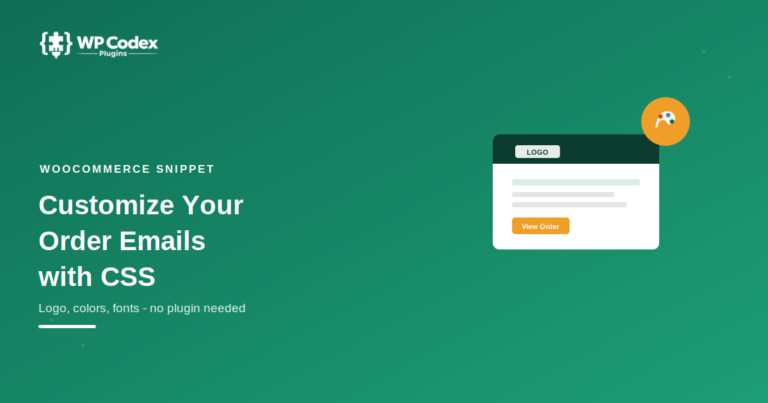
Default WooCommerce order emails look plain – a basic header, a product table, and not much else. If you want them to actually match…

Powerful WordPress Plugins.
Explore step-by-step WordPress guides for installing, configuring and managing websites. Learn about plugins, themes, website settings, content management, optimization and everyday WordPress tasks through practical beginner-friendly tutorials.
Browse tutorials, technical explanations and carefully selected resources from this category.
Default WooCommerce order emails look plain – a basic header, a product table, and not much else. If you want them to actually match…
If you run a WordPress agency, hosting isn’t really about “keeping a site online” anymore. It’s about how many client sites you can safely…
Google Analytics is powerful, but many WordPress website owners do not need its complex reports, external dashboard, tracking configuration and marketing features. They simply…
A WordPress live chat plugin helps businesses provide instant customer support, capture leads, and improve sales by communicating with visitors in real time. Customer…
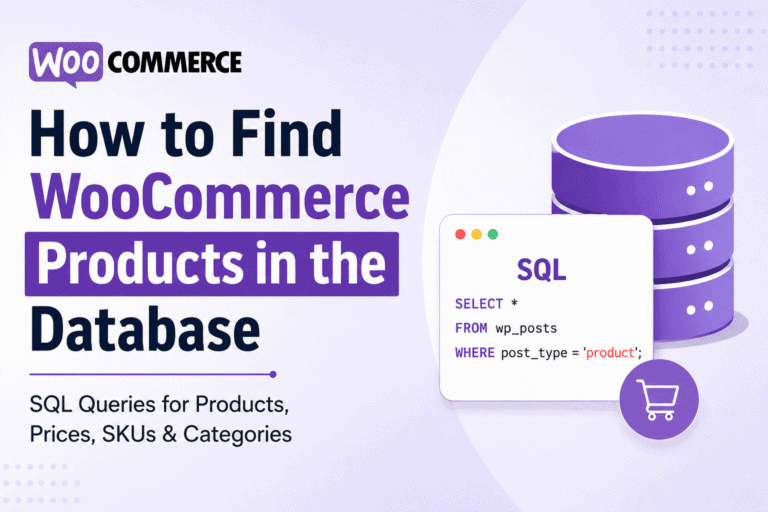
If you’re developing custom WooCommerce functionality, creating reports, migrating products, or debugging store data, sooner or later you’ll need to access products directly from…
Google Sheets ChatGPT Automation helps you automate repetitive spreadsheet tasks using AI. From generating content and summarizing data to categorizing rows and building workflows,…
If your business sources, resells, or quotes Amazon products — and you want customers to submit product inquiries or get instant quotes directly on…
If you want to display live Amazon product data on your WordPress website — prices, titles, images, ratings, reviews — you need an API.…
Adding a custom PHP page to WordPress is one of the most common tasks in WordPress development — and one where choosing the wrong…
DNS_PROBE_FINISHED_NXDOMAIN means your browser sent a DNS query for a domain name and received no result — the domain could not be found on…
Use practical WordPress plugins and browser-based utilities to automate workflows, troubleshoot websites and speed up development.