If your business sources, resells, or quotes Amazon products — and you want customers to submit product inquiries or get instant quotes directly on your WordPress website — you used to have two options: hire a developer to build a custom Amazon API integration (expensive, slow, hard to maintain) or do it manually by copying product data from Amazon (time-consuming and error-prone).
ASIN Quote Engine is the third option. It is a WordPress plugin that connects directly to the Rainforest API to fetch live Amazon product data by ASIN and displays it inside a quote form on your WordPress site — automatically, without any custom coding.
This guide covers exactly how it works, how to set it up, and who it is built for.
What Is ASIN Quote Engine?
ASIN Quote Engine is a WordPress plugin that uses the Rainforest API to retrieve live Amazon product information — including product title, price, availability, and currency — and presents that data inside a customizable quote form on your website.
When a visitor submits an Amazon ASIN or product URL through the form, the plugin queries the Rainforest API in real time, displays the product data as a quote response, and saves the visitor’s details as a lead inside your WordPress database — all within seconds, with no manual input from your team.
In plain terms: A customer pastes an Amazon product link into your website form. Your site instantly pulls the product details from Amazon and shows them a quote. You capture the lead automatically.
Who Needs This Plugin?
ASIN Quote Engine is built for any business that works with Amazon product data and needs a structured way to capture and respond to customer product inquiries:
- Amazon resellers and distributors who receive B2B quote requests for specific Amazon products and need a formal quote system on their website
- Affiliate marketers who want to display live Amazon pricing inside product review or comparison pages without hardcoding prices that go stale
- WordPress agencies building custom quote tools for e-commerce clients who source inventory from Amazon
- WooCommerce store owners who source products from Amazon and want to attach ASIN data to orders for streamlined fulfillment
- Manufacturers and wholesalers who reference Amazon product identifiers in their purchasing or quoting workflows
Key Features at a Glance
Rainforest API integration — Direct, pre-configured connection to the Rainforest API. Enter your API key, test the connection, and start fetching Amazon product data immediately. No custom API code required.
Frontend quote form via shortcode and Elementor — Add [asin_quote_engine] to any page, post, or widget area. For Elementor users, a dedicated widget is included for drag-and-drop form placement on any Elementor page layout.
Lead capture and local storage — Every quote request is saved as a lead record in your WordPress database. View all leads from the admin panel and export them as a CSV file at any time.
Retry queue for failed requests — If an API request fails due to a network error or timeout, it is automatically added to a retry queue. The plugin reattempts failed requests without any manual intervention.
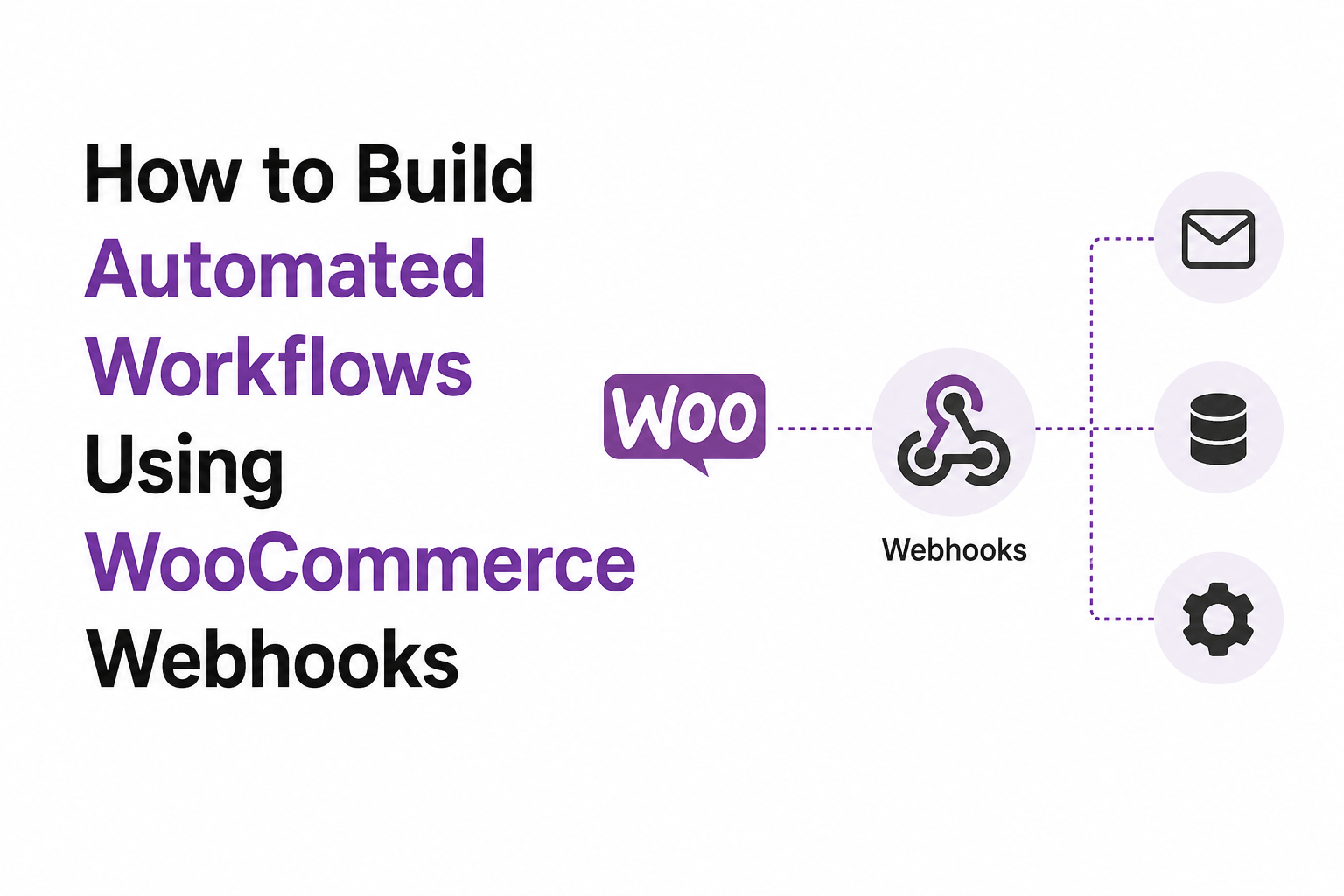
Webhook support for automation — Send lead data to any external system using a configurable webhook. Connect to Zapier, Make, your CRM, or any custom backend by pointing the webhook at your endpoint.
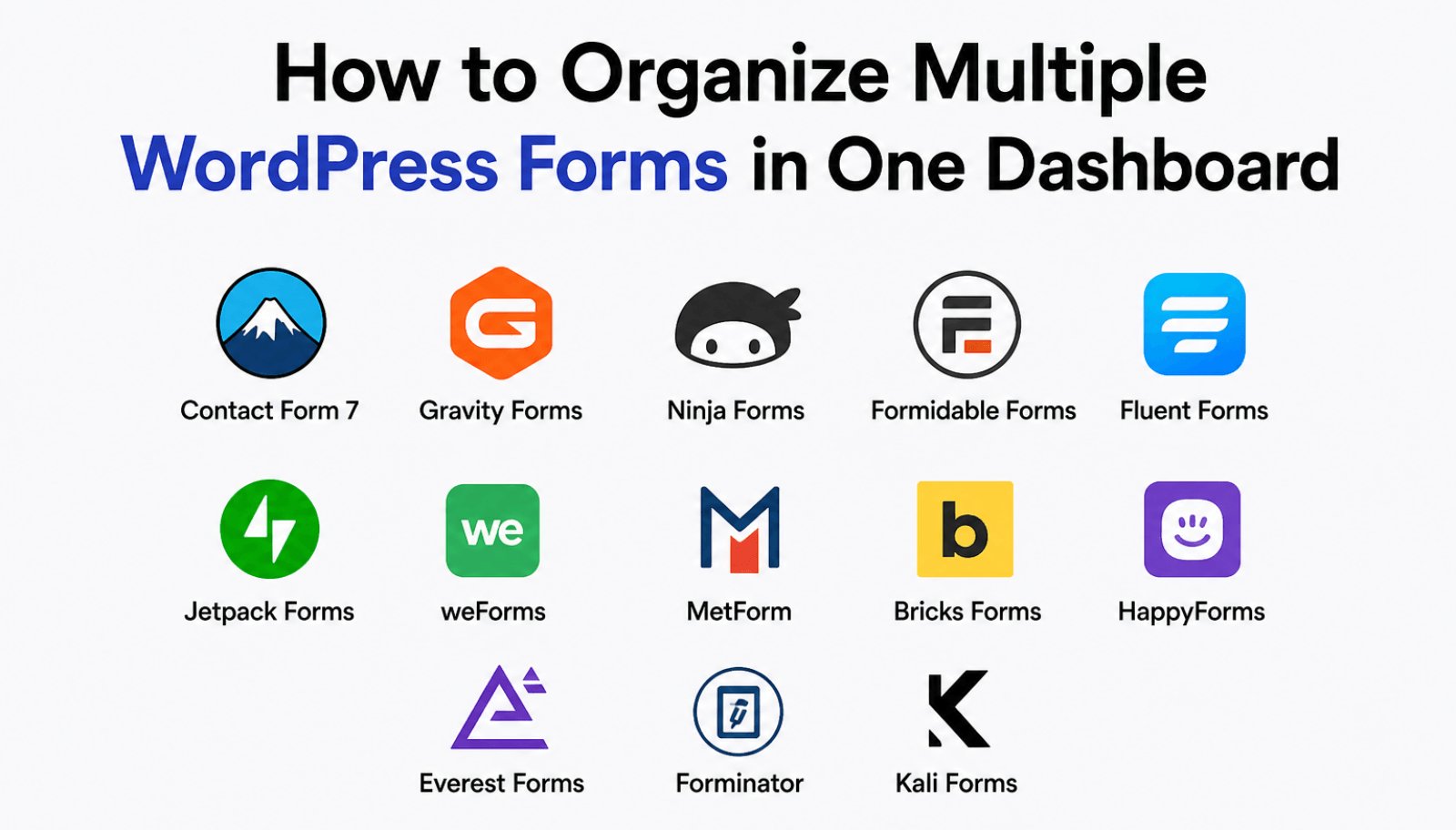
WooCommerce and form plugin integrations — ASIN Quote Engine integrates with Contact Form 7, WPForms, Gravity Forms, and WooCommerce, allowing you to embed ASIN data capture inside your existing forms and associate product data with WooCommerce orders.
REST API endpoints — Developers can interact with the plugin programmatically via built-in REST API endpoints for quotes, leads, configuration, and webhooks.
Debug logs — A built-in debug log tab records all API requests, responses, and system events so you can troubleshoot connection issues or verify API responses quickly.
How to Set It Up — Step by Step
Setting up ASIN Quote Engine takes under 30 minutes from purchase to a live quote form.
Step 1 — Get a Rainforest API key ASIN Quote Engine uses the Rainforest API to access Amazon product data. Sign up at rainforestapi.com to get your API key. The Rainforest API offers a free trial tier suitable for testing.
Step 2 — Install the plugin Purchase ASIN Quote Engine from WP Codex Plugins and download the .zip file. In your WordPress admin, go to Plugins → Add New → Upload Plugin, upload the file, and activate.
Step 3 — Connect your API key Go to ASIN Quote Engine → Settings → Connection Tab. Paste your Rainforest API key and click Test Connection. A success message confirms the API is responding correctly.
Step 4 — Configure your defaults In the Defaults Tab, set your preferred Amazon domain (amazon.com, amazon.co.uk, amazon.in, etc.), currency, and API performance preset. The Balanced preset is recommended for most use cases — it returns a full set of product fields at a reasonable response speed.
Step 5 — Add the form to a page Add the shortcode [asin_quote_engine] to any WordPress page or post. Publish the page, visit it as a visitor, enter a valid Amazon ASIN, and submit. The plugin fetches product data and displays the quote result — and saves the submission as a lead in your admin panel.
Step 6 — Review your leads Go to ASIN Quote Engine → Local Leads to see all captured lead records. Click Export CSV to download your leads at any time.
ASIN Quote Engine vs. Building a Custom Amazon Integration
| Custom Development | ASIN Quote Engine | |
|---|---|---|
| Time to launch | Weeks to months | Under 30 minutes |
| Developer cost | $500–$5,000+ | $49 one-time |
| Rainforest API setup | Manual custom code | Built-in, pre-configured |
| Lead capture system | Build from scratch | Included |
| CSV export | Build from scratch | One-click |
| Retry queue | Build from scratch | Included |
| Webhook support | Build from scratch | Included |
| Ongoing maintenance | Developer required | Plugin updates included |
Frequently Asked Questions
What is an ASIN and where do I find it?
ASIN stands for Amazon Standard Identification Number — a unique 10-character code assigned to every product listed on Amazon. You can find a product’s ASIN on its Amazon product page under the “Product Information” or “Technical Details” section. Example: B08N5WRWNW.
Do I need coding skills to use ASIN Quote Engine?
No. The plugin is designed for non-developers. Setup requires entering your Rainforest API key and adding a shortcode to a page — both are done through the WordPress admin interface without any coding.
Is the Rainforest API free?
Rainforest API offers a free trial tier that is ideal for testing and low-volume use. For production use with higher request volumes, paid Rainforest API plans are available at rainforestapi. The Rainforest API subscription is separate from the ASIN Quote Engine plugin license.
Can I use this plugin to display Amazon prices on my website?
Yes. The plugin fetches live pricing data from Amazon via the Rainforest API and can display it within the quote form response. Since prices are fetched in real time, they reflect current Amazon pricing rather than a hardcoded value that goes stale.
Does ASIN Quote Engine work with WooCommerce?
Yes. The plugin can attach Amazon ASIN data to WooCommerce orders using order meta, enabling businesses that source products from Amazon to associate specific Amazon items with WooCommerce purchases for improved fulfillment tracking.
Where is lead data stored?
All lead data is stored in your own WordPress database. Nothing is sent to WP Codex Plugins’ servers or any third-party service beyond the Rainforest API for product data retrieval. You have full ownership and control of all captured leads.
Ready to Build Your Amazon Quote Tool?
ASIN Quote Engine is available for a one-time payment of $49 — no subscription, no annual renewal, and all future plugin updates included.
If you need a more advanced custom solution — a fully bespoke Amazon data integration, a multi-step quote workflow, or a white-label tool built specifically for your business — the WP Codex Plugins team builds custom WordPress plugins and API integrations to order.